


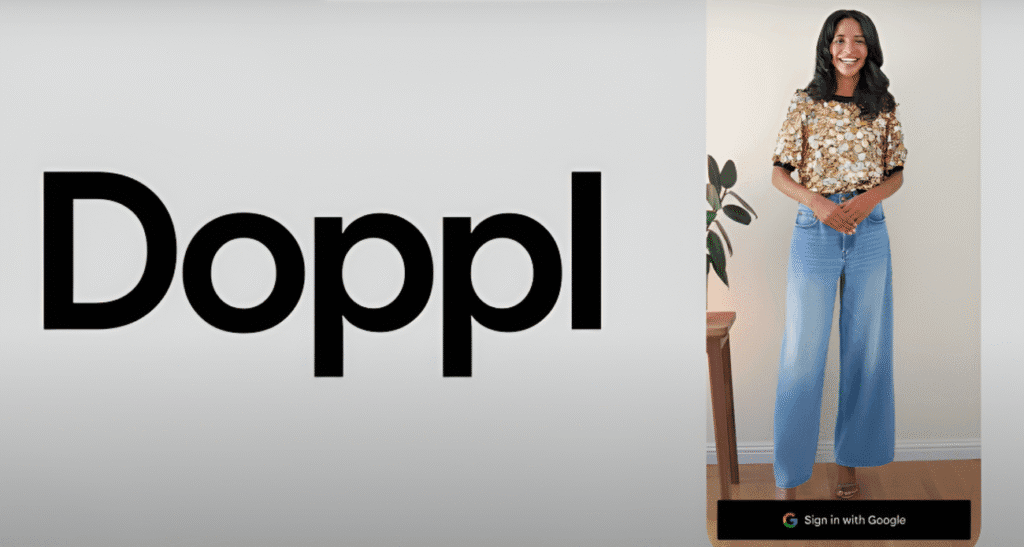
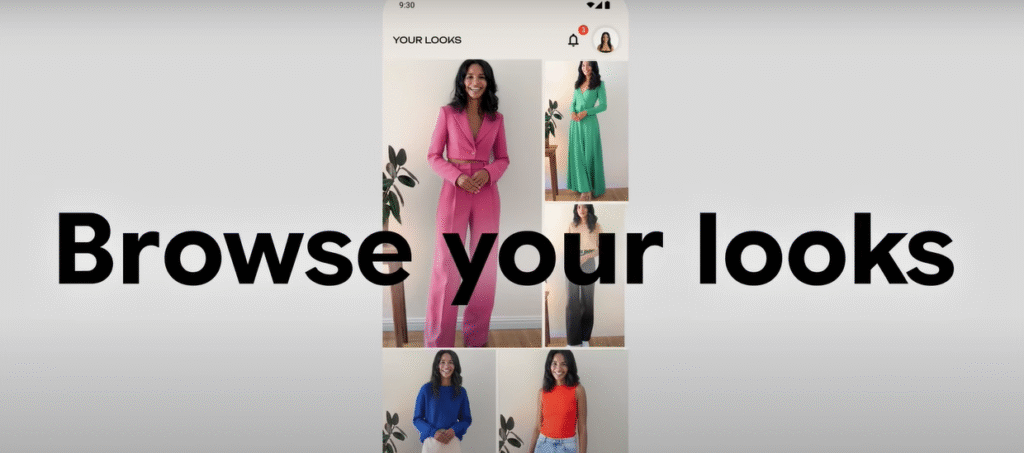
Doppl is an exciting new app from Google Labs that lets you virtually try on outfits using AI. Whether you’re browsing social media, thrift stores, or online shops, Doppl helps you visualize how clothes will look on you—without stepping into a fitting room. Launched in 2025, this experimental app also creates animated videos to show your outfits in motion, making it a fun and innovative way to explore your style.
Table of Contents
In this guide, we’ll walk you through how to use and download Doppl, from setting it up to creating and sharing your virtual looks. Written in simple English, this article is perfect for beginners. Let’s dive in!
What Is Doppl?
Doppl is a mobile app developed by Google Labs, designed to revolutionize how you shop for clothes. Using artificial intelligence, it lets you upload a photo of yourself and “try on” outfits from images you find online, in stores, or even on your friends. You can also create short AI-generated videos to see how the clothes move, helping you make better fashion choices.

Why Use Doppl in 2025?
- Explore Styles Easily: Try on outfits from anywhere—social media, blogs, or thrift shops.
- Save Time and Money: Visualize clothes without buying or trying them physically.
- Fun and Creative: Create animated videos of your looks and share them with friends.
- AI-Powered: Uses Google’s advanced AI to generate realistic virtual try-ons.
- Free to Use: Available at no cost (though currently limited to the U.S.).
Note: Doppl is an experimental app, so results may not always be perfect. Fit, appearance, or clothing details might have minor inaccuracies, but Google is actively improving it based on user feedback.
Step 1: Check Doppl Eligibility
Before downloading Doppl, ensure you meet the requirements:
- Age: You must be 18 or older.
- Location: Doppl is currently available only in the U.S.
- Device: Compatible with iOS and Android devices (Android availability is limited to Pixel devices for now).
- Google Account: You need a Google account to log in.
If you’re outside the U.S., Google plans to roll out Doppl to more countries in the future. Stay tuned for updates

Step 2: Download Doppl
Here’s how to download Doppl on your device:
For iOS Users
- Open the App Store on your iPhone or iPad.
- Search for “Doppl” or “Google Labs Doppl.”
- Look for the app by Google Labs (verify the developer name to avoid fake apps).
- Tap Get and authenticate with your Apple ID.
- Wait for the app to install, then tap Open.
For Android Users
- Open the Google Play Store on your Pixel device (other Android devices may not be supported yet).
- Search for “Doppl” or “Google Labs Doppl.”
- Select the app by Google Labs.
- Tap Install and wait for the download to complete.
- Tap Open to launch the app.
Pro Tip: Ensure your device has a stable internet connection and at least 100 MB of free storage for a smooth installation.
Alternative: Access via Google Labs
If you can’t find Doppl in your app store, visit labs.google/doppl on your device’s browser. The official Google Labs page provides direct links to the App Store and Google Play Store.
Step 3: Set Up Doppl
Once downloaded, follow these steps to set up Doppl:
- Open the App: Launch Doppl from your home screen.
- Sign In: Log in with your Google account. If you don’t have one, create an account at accounts.google.com.
- Upload a Photo:
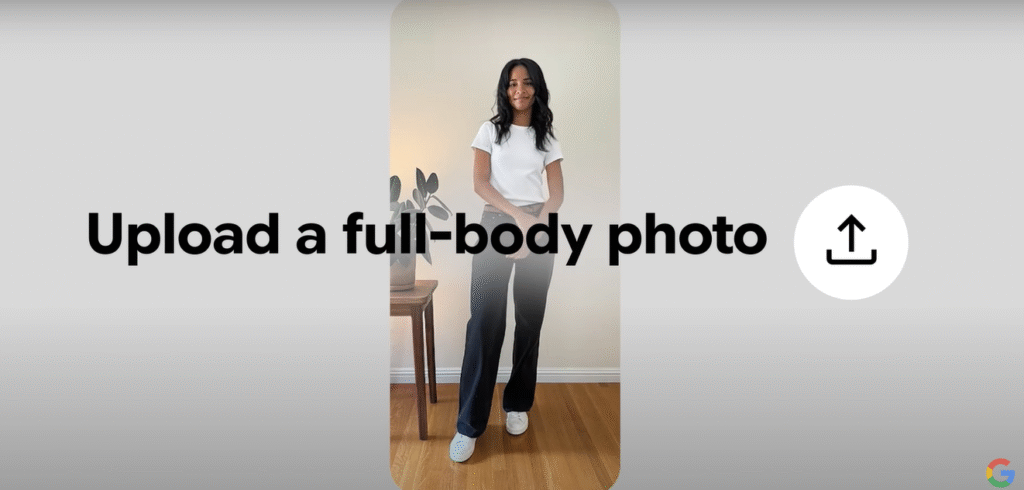
- Option 1: Use Your Photo: Upload a full-body photo of yourself. For best results, choose a photo with good lighting, a plain background, and you standing straight. Avoid group photos or blurry images.
- Option 2: Use an AI Model: If you don’t have a suitable photo, select one of Doppl’s pre-made AI models to start experimenting.
- Agree to Terms: Accept Google’s Terms of Service and Prohibited Use Policy. Review the Privacy Policy to understand how your data is used (more on this later).
Tip: Doppl’s AI is sensitive to photo quality. A clear, well-lit photo improves the accuracy of virtual try-ons.
Step 4: Try On Outfits with Doppl
Now comes the fun part—trying on outfits! Here’s how to use Doppl to explore your style:

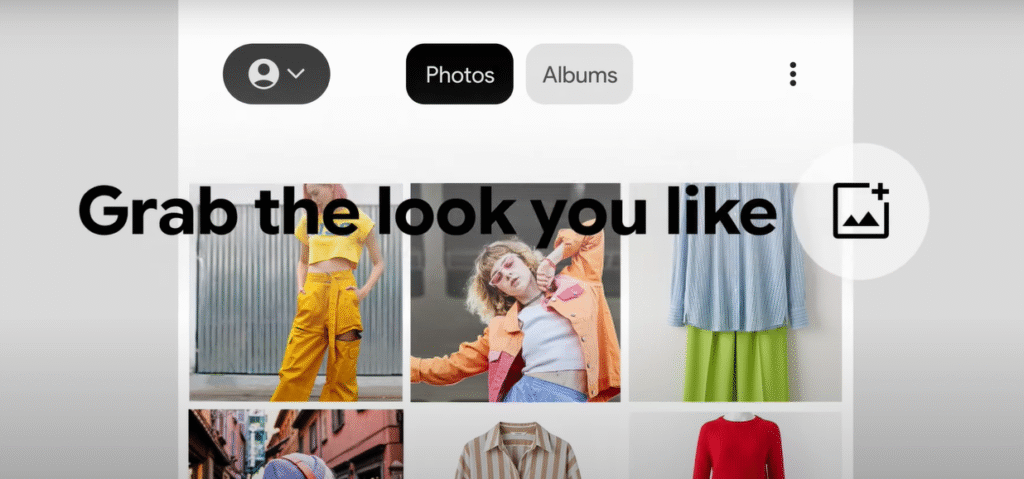
- Choose an Outfit:
- Generate Your Look:
- Review the Result: The app creates a static image of you wearing the outfit. Check for accuracy in fit and style.
- Animate Your Look (Optional):
- Save or Share:
Pro Tip: Experiment with bold looks! Doppl lets you try outfits you’d never consider in a store, like a neon jacket or vintage dress, risk-free.
Step 5: Provide Feedback to Improve Doppl

As an experimental app, Doppl isn’t perfect. If you notice issues with body shape, clothing details, or fit, share your feedback:
- Tap the Give Feedback link at the bottom of the try-on screen.
- Describe the issue (e.g., “The shirt doesn’t align with my shoulders”).
- Your input helps Google refine the app for better accuracy.
Note: Avoid uploading sensitive or confidential information, as human reviewers may process a sample of your data to improve Doppl. Google stores your uploads and generated images for up to 3 months, following their Privacy Policy.
Step 6: Troubleshoot Common Issues
Running into problems? Here are solutions to common Doppl issues:
- Error Message When Generating Looks:
- App Crashes or Slow Performance:
- Update your device’s operating system.
- Clear the app’s cache or reinstall it.
- Ensure a stable internet connection.
- Inaccurate Try-Ons:
- Try a different photo with better lighting or a plainer background.
- Use an AI model if your photo isn’t working well.
- App Not Available in Your Region:
- Doppl is U.S.-only for now. Check labs.google for updates on global availability.
Doppl vs. Google Shopping Try-On: What’s the Difference?
Doppl builds on the virtual try-on feature introduced in Google Shopping in May 2025, but it offers more experimental features:
| Feature | Doppl | Google Shopping Try-On |
|---|---|---|
| Platform | Standalone app | Integrated into Google Shopping |
| Outfit Sources | Any photo (social media, blogs, etc.) | Billions of clothing items from retailers |
| Animation | Creates AI-generated videos | Static images only |
| Availability | U.S., iOS & Pixel devices | Wider availability |
| Customization | More experimental features | Focused on retail products |
Doppl is ideal for creative style exploration, while Google Shopping’s try-on is better for buying specific items.
Privacy and Data Safety with Doppl
Google is transparent about how Doppl handles your data:
- Data Collection: Doppl collects your uploaded photos, generated images, usage data, and feedback to improve the app.
- Storage: Data is stored for up to 3 months.
- Human Review: A sample of your data may be reviewed by humans to enhance AI performance, but it’s disconnected from your Google account for privacy.
- No Data Sharing: Google states that Doppl doesn’t share user data with third parties.
- Secure Connection: Data is transferred securely.
Tip: Don’t upload photos with sensitive information (e.g., personal IDs) to protect your privacy.
Tips for Getting the Best Results with Doppl
To make the most of Doppl, follow these Doppl tips for great results:
- Choose High-Quality Photos: Use clear, full-body photos with even lighting and minimal background clutter.
- Experiment with Outfits: Try a mix of casual, formal, and bold styles to discover new looks.
- Check Lighting: Outfits look best when the lighting in your photo matches the outfit image.
- Use Social Media for Inspiration: Screenshot outfits from Pinterest or Instagram for quick try-ons.
- Share for Feedback: Send your looks to friends or post on X with #Doppl to get opinions.
Why Doppl Is a Game-Changer for Fashion in 2025
Doppl is more than just a virtual try-on app—it’s a tool for self-expression and creativity. Here’s why it stands out:
- Accessibility: Free to use and easy to set up, making fashion exploration available to everyone.
- AI Innovation: Leverages Google’s advanced AI to create realistic try-ons and animations.
- Social Sharing: Encourages users to share looks on platforms like X and Instagram, building a community around style.
- Sustainability: Helps you make smarter shopping choices, reducing returns and waste.
- Fun Factor: The animated videos add a playful element, making Doppl a hit on social media.
Posts on X show excitement about Doppl’s ability to create a “digital clone” for instant outfit try-ons, with users praising its fun and creative potential.
Common Mistakes to Avoid When Using Doppl
New users might face these pitfalls. Here’s how to avoid them:
- Using Low-Quality Photos: Blurry or poorly lit photos lead to inaccurate try-ons.
- Ignoring Guidelines: Follow Google’s photo recommendations for best results.
- Expecting Perfect Fit: Doppl doesn’t provide sizing or fit details, so use it for style inspiration, not exact measurements.
- Not Providing Feedback: If something’s off, let Google know to help improve the app.
- Overloading the App: Uploading too many photos at once can slow performance—try one at a time.
Doppl Alternatives in 2025
If Doppl isn’t available in your region or you want to explore other options, consider these virtual try-on apps:
- Fashmates: A social shopping app with virtual try-on features.
- StyleSnap (Amazon): Upload outfit photos to find similar items on Amazon.
- YouCam Makeup: Focuses on makeup but offers some clothing try-on features.
- Zara AR: Limited to Zara products but offers augmented reality try-ons.
While these apps are great, Doppl’s unique combination of AI-generated videos and flexibility with any outfit image sets it apart.
FAQs About Using and Downloading Doppl
Is Doppl free to use?
Yes, Doppl is free to download and use, though it’s currently limited to the U.S.
Can I use Doppl outside the U.S.?
Not yet, but Google plans to expand availability. Check labs.google for updates.
Does Doppl work on all Android devices?
No, it’s currently limited to Pixel devices. iOS users face no such restrictions.
How accurate are Doppl’s try-ons?
Doppl is experimental, so fit and appearance may not always be precise. Use it for style inspiration rather than exact sizing.
Can I share my Doppl looks on social media?
Yes! Save your looks and share them via messaging apps or post on X and Instagram.
Conclusion: Start Exploring Your Style with Doppl
Doppl is a fun, innovative way to use and download Doppl to explore your personal style in 2025. With its AI-powered virtual try-ons and animated videos, it makes fashion accessible, creative, and sustainable. Follow the steps in this guide to download the app, set it up, and start trying on outfits from anywhere.
Ready to find your next favorite look? Download Doppl from the App Store or Google Play Store and start experimenting today. Have questions or tips? Share them in the comments or tag @GoogleLabs on X with #Doppl!
Resource: Visit labs.google/doppl for more information and to download the app.